rt050
December 1, 2025, 6:30am
1
Hi there,
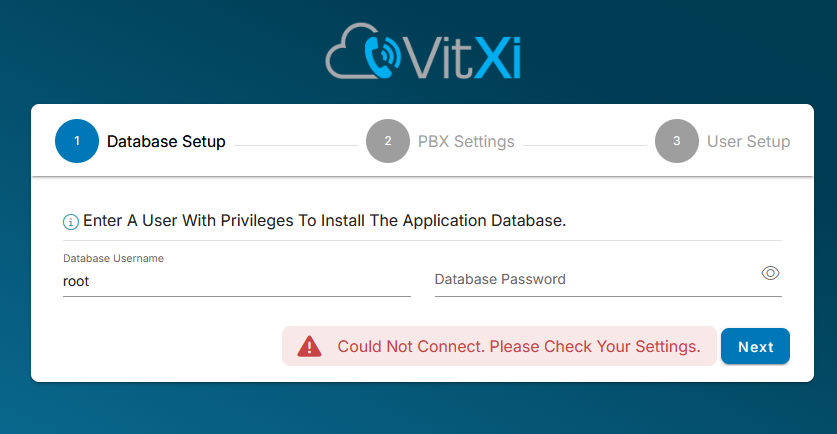
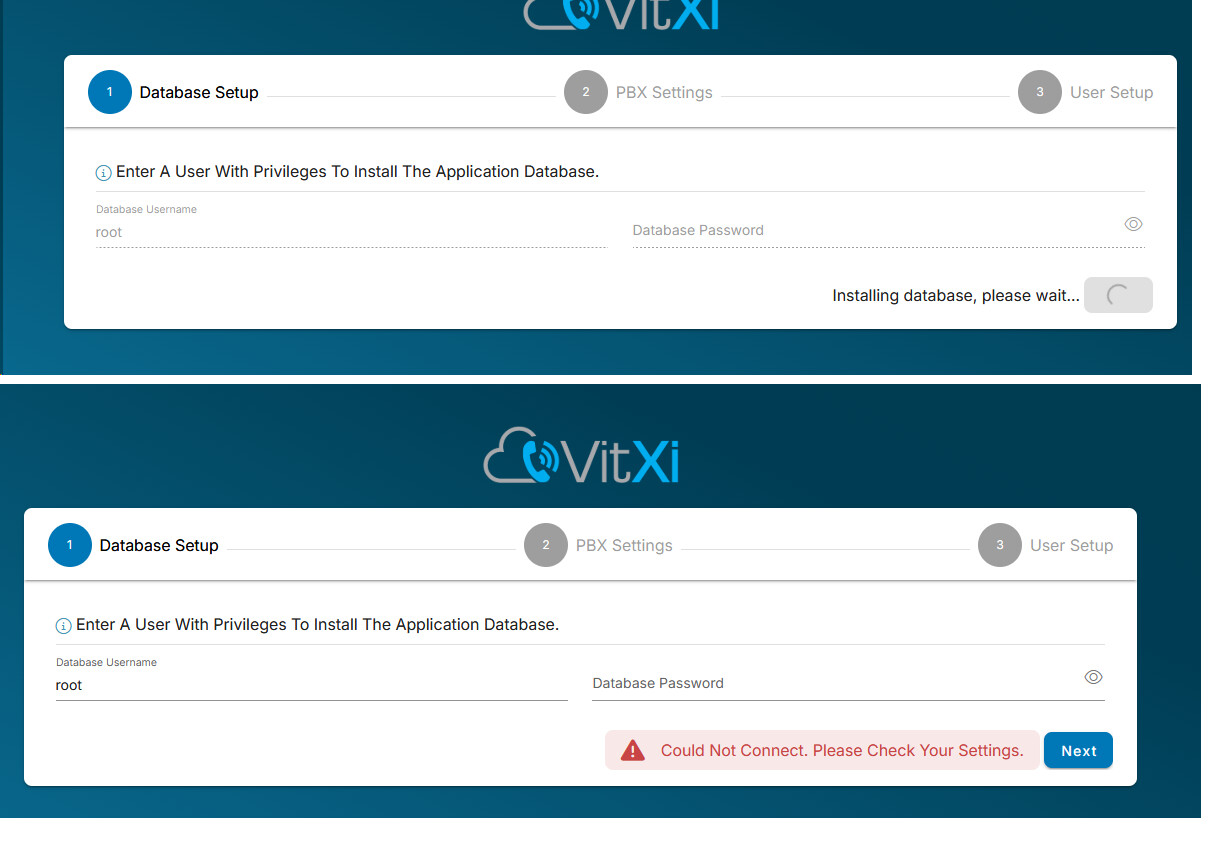
I’m trying to migrate Vital to a new server, first of all I’m trying to prepare the new server. Upon trying to follow the Vitxi wizard, I fail at the first step of database setup.
Just for some info, Vitxi is running on the same server.
I did try and re-install, uninstall and install via CLI but no joy.
I’ve tried and following the solution posted in this thread but no joy either.
When running the following command:
vitxi optimize && vitxi logs:clear
I did get this error however:
bash: vitxi: command not found
All other commands ran. However, didn’t solve anything.
Would anybody be able to advise?
Vital 4.5.1-6 is the version on the new server.
1 Like
maynor
December 1, 2025, 2:49pm
2
Hello,
Could you please share the latest log file located at:
Please send it to me in a private message so I can review it in detail.
Regards,
Same problem. Do you solved ? This is my log
[2026-02-26 06:35:14] production.ERROR: file_put_contents(/etc/cron.d/vitxi): Failed to open stream: Permission denied {"exception":"[object] (ErrorException(code: 0): file_put_contents(/etc/cron.d/vitxi): Failed to open stream: Permission denied at /usr/share/vitxi/backend/vendor/laravel/framework/src/Illuminate/Filesystem/Filesystem.php:204)
[stacktrace]
#0 /usr/share/vitxi/backend/vendor/laravel/framework/src/Illuminate/Foundation/Bootstrap/HandleExceptions.php(258): Illuminate\\Foundation\\Bootstrap\\HandleExceptions->handleError()
#1 [internal function]: Illuminate\\Foundation\\Bootstrap\\HandleExceptions->Illuminate\\Foundation\\Bootstrap\\{closure}()
#2 /usr/share/vitxi/backend/vendor/laravel/framework/src/Illuminate/Filesystem/Filesystem.php(204): file_put_contents()
#3 /usr/share/vitxi/backend/vendor/laravel/framework/src/Illuminate/Support/Facades/Facade.php(363): Illuminate\\Filesystem\\Filesystem->put()
#4 /usr/share/vitxi/backend/app/Console/Commands/UpdateCrontabCommand.php(0): Illuminate\\Support\\Facades\\Facade::__callStatic()
#5 /usr/share/vitxi/backend/vendor/laravel/framework/src/Illuminate/Container/BoundMethod.php(36): App\\Console\\Commands\\UpdateCrontabCommand->handle()
#6 /usr/share/vitxi/backend/vendor/laravel/framework/src/Illuminate/Container/Util.php(43): Illuminate\\Container\\BoundMethod::Illuminate\\Container\\{closure}()
#7 /usr/share/vitxi/backend/vendor/laravel/framework/src/Illuminate/Container/BoundMethod.php(96): Illuminate\\Container\\Util::unwrapIfClosure()
#8 /usr/share/vitxi/backend/vendor/laravel/framework/src/Illuminate/Container/BoundMethod.php(35): Illuminate\\Container\\BoundMethod::callBoundMethod()
#9 /usr/share/vitxi/backend/vendor/laravel/framework/src/Illuminate/Container/Container.php(836): Illuminate\\Container\\BoundMethod::call()
#10 /usr/share/vitxi/backend/vendor/laravel/framework/src/Illuminate/Console/Command.php(211): Illuminate\\Container\\Container->call()
#11 /usr/share/vitxi/backend/vendor/symfony/console/Command/Command.php(318): Illuminate\\Console\\Command->execute()
#12 /usr/share/vitxi/backend/vendor/laravel/framework/src/Illuminate/Console/Command.php(180): Symfony\\Component\\Console\\Command\\Command->run()
#13 /usr/share/vitxi/backend/vendor/symfony/console/Application.php(1110): Illuminate\\Console\\Command->run()
#14 /usr/share/vitxi/backend/vendor/symfony/console/Application.php(359): Symfony\\Component\\Console\\Application->doRunCommand()
#15 /usr/share/vitxi/backend/vendor/symfony/console/Application.php(194): Symfony\\Component\\Console\\Application->doRun()
#16 /usr/share/vitxi/backend/vendor/laravel/framework/src/Illuminate/Foundation/Console/Kernel.php(197): Symfony\\Component\\Console\\Application->run()
#17 /usr/share/vitxi/backend/artisan(35): Illuminate\\Foundation\\Console\\Kernel->handle()
#18 {main}
"}
This occurs after ‘installing database, please wait’ (or similar).
I uninstalled the add-on, deleted the vitxi database, reinstalled it… but the problem remains.
1 Like
Solved writen at command line
vitxi migrate
1 Like
maynor
March 13, 2026, 10:19pm
6
Hello,
Sorry for the delay in the response,
We are currently in the testing phase to publish the new version, as it also includes new features and fixes.
I will let you know when the new version is available,
Best regards,
maynor
June 30, 2026, 3:21pm
7
Hello,
A new VitXi release is now available, including Advanced Auto Answer settings, Centralized Tags & Labels, Customizable Email Templates, improved contact resolution, and several fixes.
Release notes: VitXi 4.6.0-4 Release: New Auto Answer, Tags & Labels, and Email Templates
Best regards,