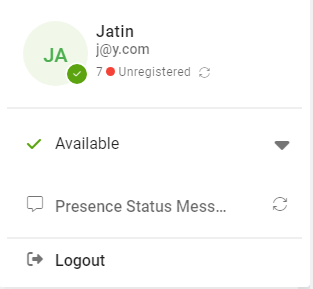
Hi there, I am new to VitalPBX, I manage to install Vitxi, however my extension in not registered, I tried to troubleshoot by following some post but not luck. Can someone help me in this regards. Thanks
Hi!
Please ensure that you have followed the steps outlined in our wiki.: Introduction – VitalPBX Wiki
Regards!
Thanks for your reply, I had followed the guide when I setup VitXi, but yet I am facing problems. If you could suggest me any particular remedy. Thanks
Sorry for the delayed response,
Please check if ports 6001 and 8089 are open on any active firewalls. Also, have you installed a valid SSL certificate?
Additionally, you can update to the latest version of VitXi: VitXi WebRTC 4.1.0.0 Update.
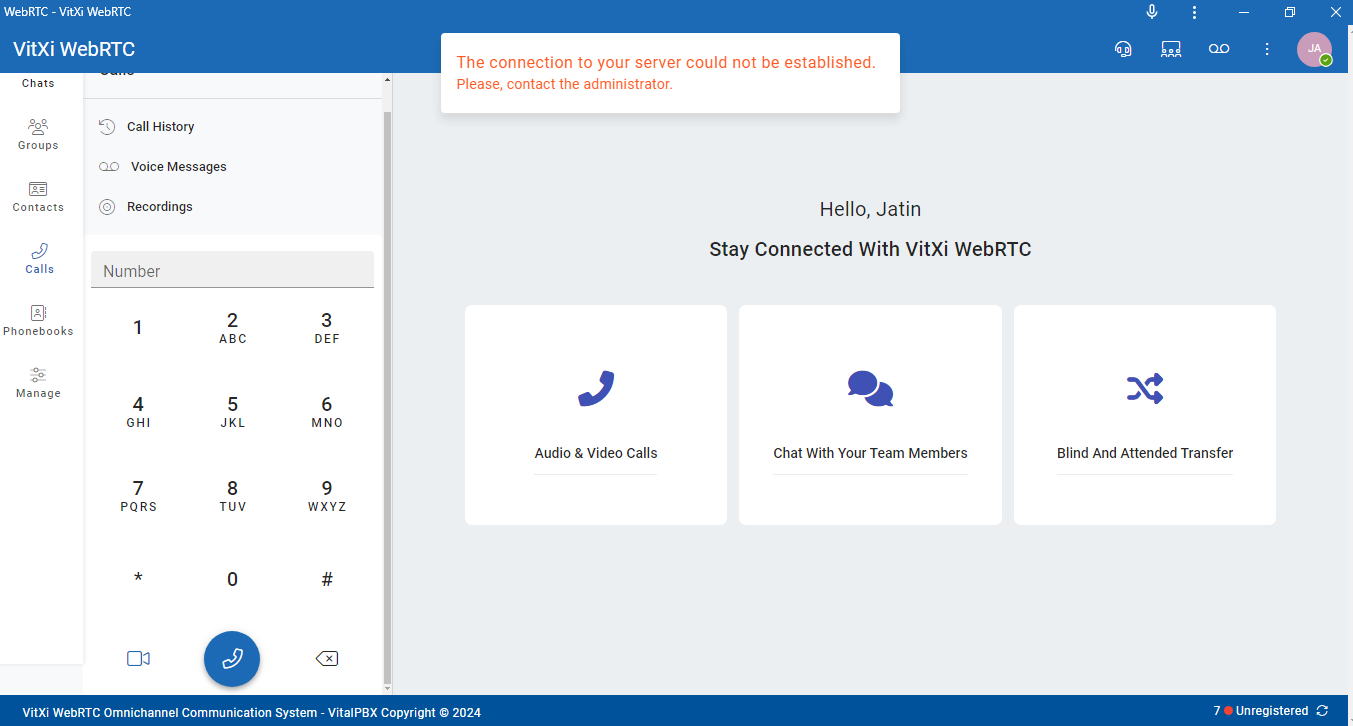
Please run the following commands:
cd /usr/share/vitxi/
chown www-data:www-data frontend
chown www-data:www-data backend
chown -R www-data:www-data backend
chmod 755 backend
find backend -type f -exec chmod 644 {} \;
find backend -type d -exec chmod 755 {} \;
firewall-cmd --permanent --zone=public --add-port=6001/tcp
firewall-cmd --reload
cd /usr/share/vitxi/backend/
php artisan websockets:ssl-config
systemctl restart vitxi
systemctl restart vitxi-worker
Hi there, thanks for reply and suggestions, I ran all suggested commands, however it does not resolve the issue. When I ran command php artisan websockets:ssl-config it got following error: Could not open input file: artisan I don’t know what does it means?
Is that any other solution? Thanks
Hi,
Sorry, I forgot to add a command before php artisan websockets:ssl-config.
I have edited my previous response. Could you please try again?
Please remember that it is necessary to have configured an FQDN and a valid certificate, as VitXi requires it.
Best regards,
Hi, thanks for the reply, I tried edited commands , now I do not get error of “server connection” however my extension still shows “unregistered”. also I have configured valid FQDN with valid certificate but still my vtixi extension not registered.
any other solution?
Thanks
Hi, it is working perfectly now, I had to reset and reassign extension, it is working perfectly. I am really thankful to you for your help,
Thanks
Perfect! I’m glad to help!