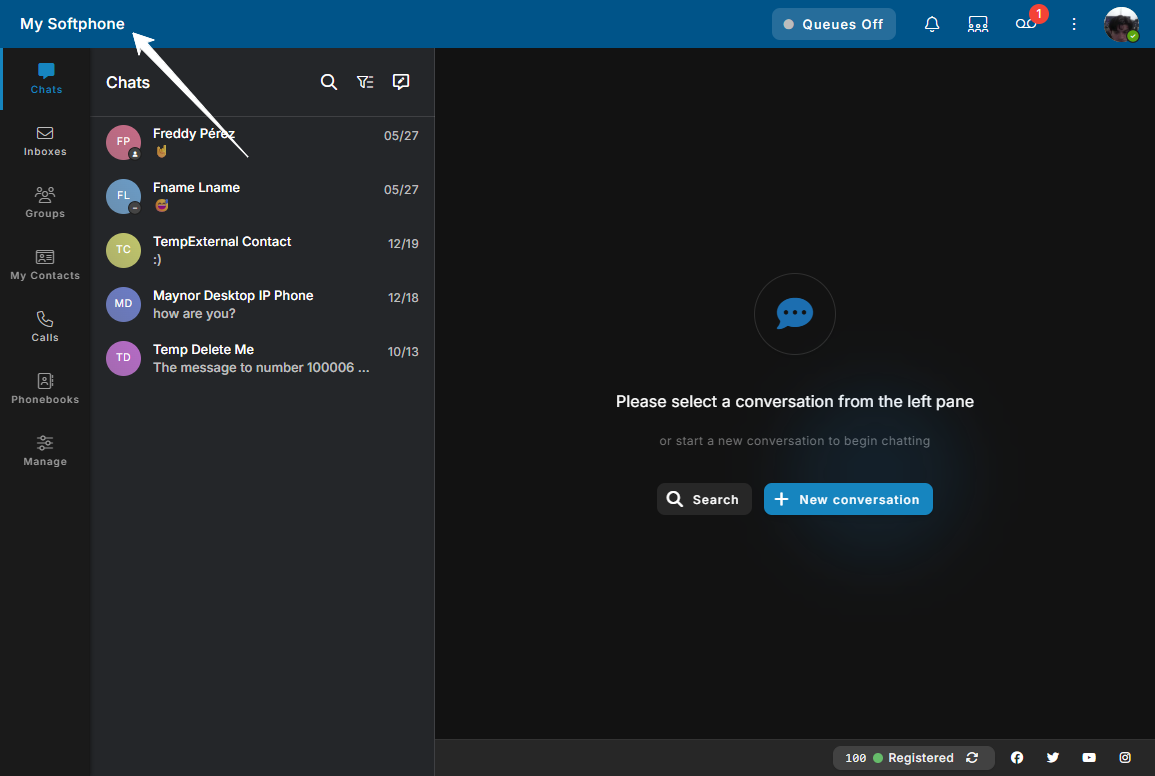
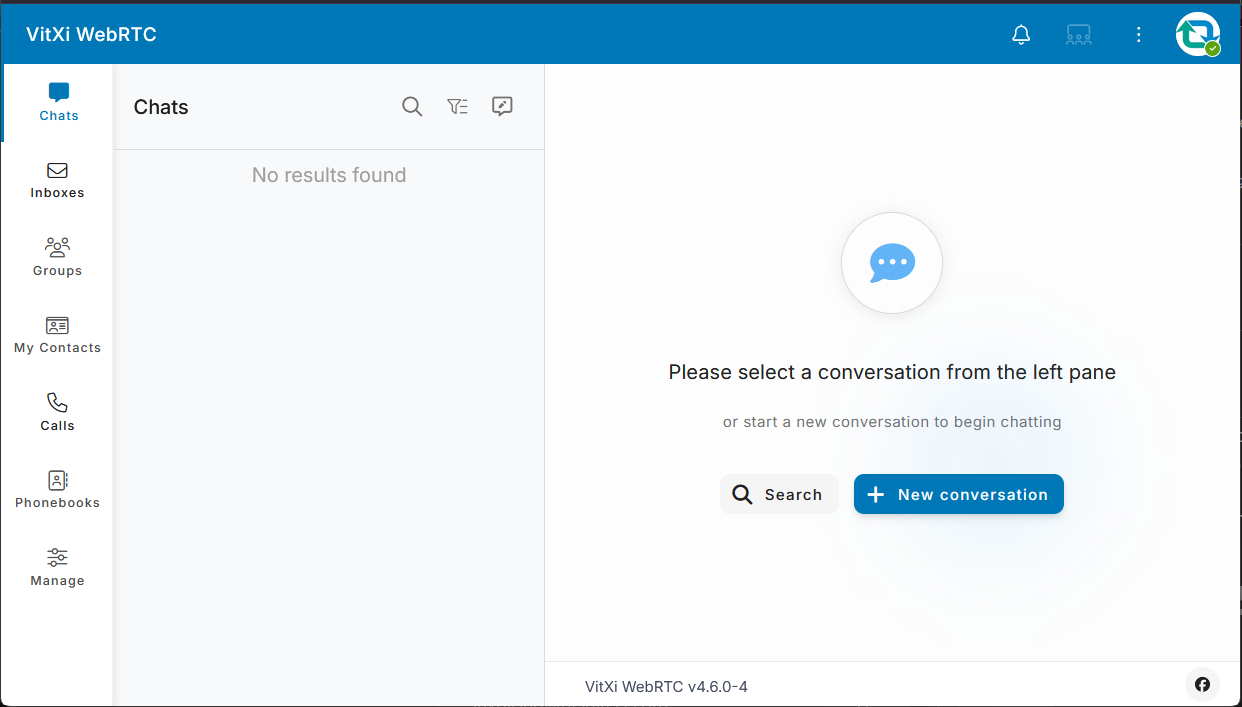
As of this request the interface looks like this, displaying “VitXi WebRTC” in the browser title, the upper left of the site, and again in the footer of the center div:
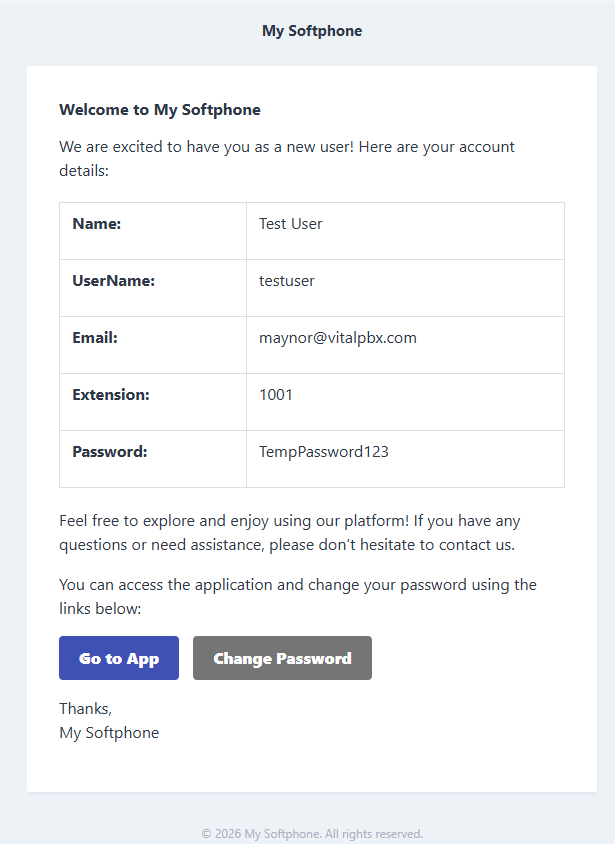
It is also referenced in the footer of emails. These references are irrespective of what is set in the Branding module for Application Name. Would like to have control over what these references are. ie: Full white-label brandability. The reference to “VitXi WebRTC v4.6.0-4” in the footer is actually acceptable.
No one knows that “VitXi” is VitalPBX’s product name, and most don’t know what “WebRTC” is. We literally have to answer that every single time with every single customer. Would like to be able to call it whatever we want, please. Such as what it is - a web client or browser phone. People understand that. And when it is offered by your reseller such as InTeleSync that pays handsomely for white-label, well, let’s white label it so the app name can say something like “InTeleSync Web Client”. 
When it gets bookmarked, saved, etc., it’ll carry our name. Not the obscure VitXi (nothing personal). Thanks.