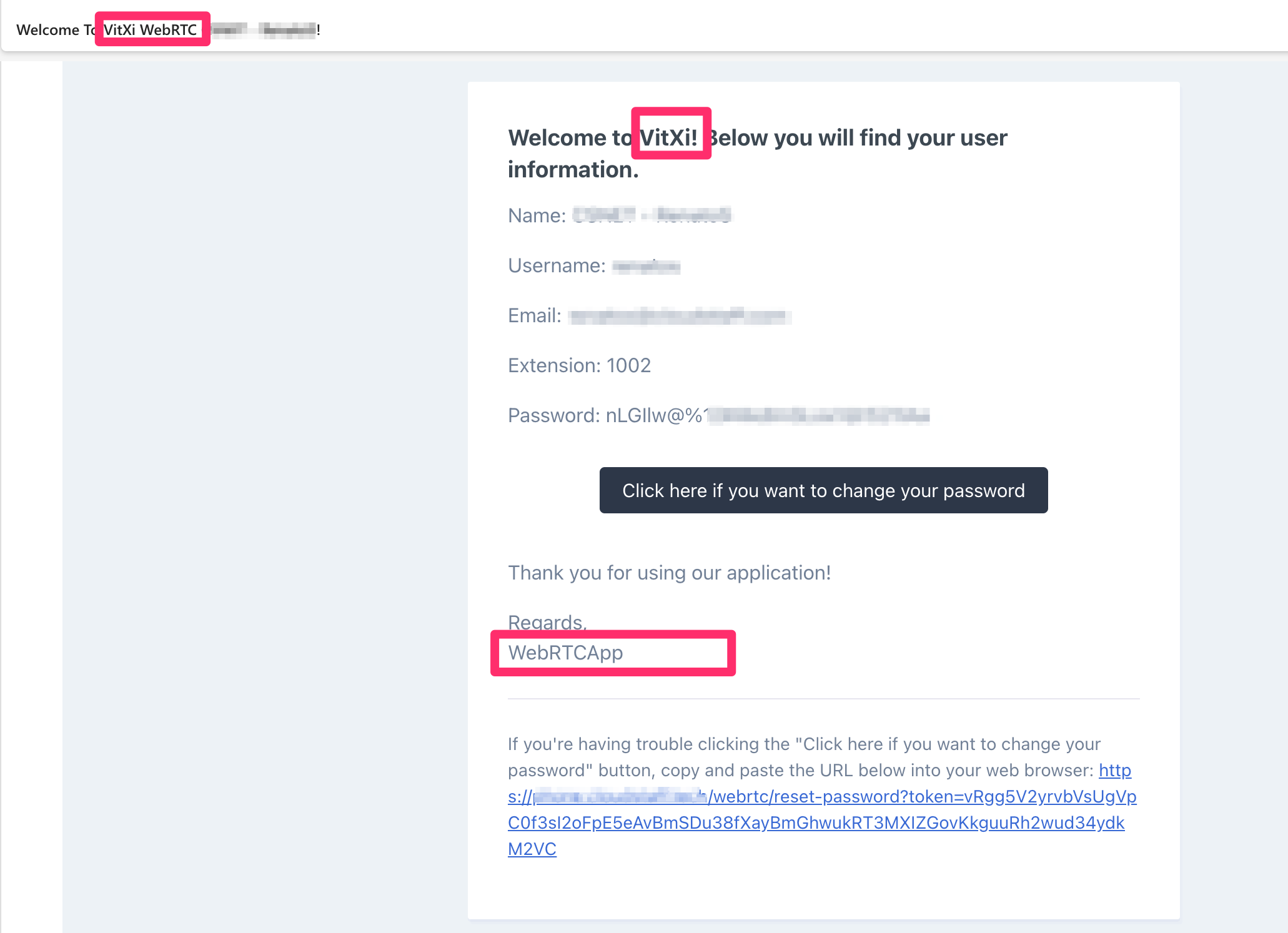
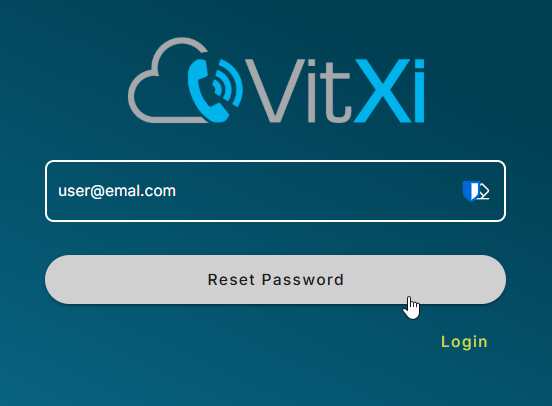
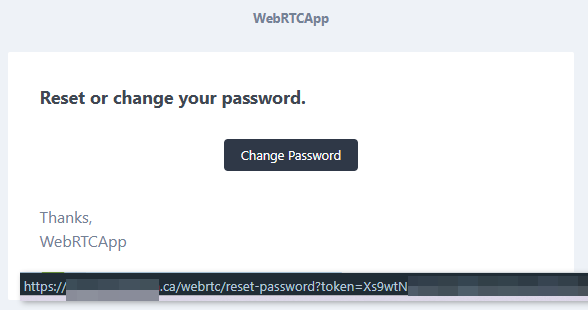
Anyone here knows how to update and edit the welcome email settings for Vitxi?
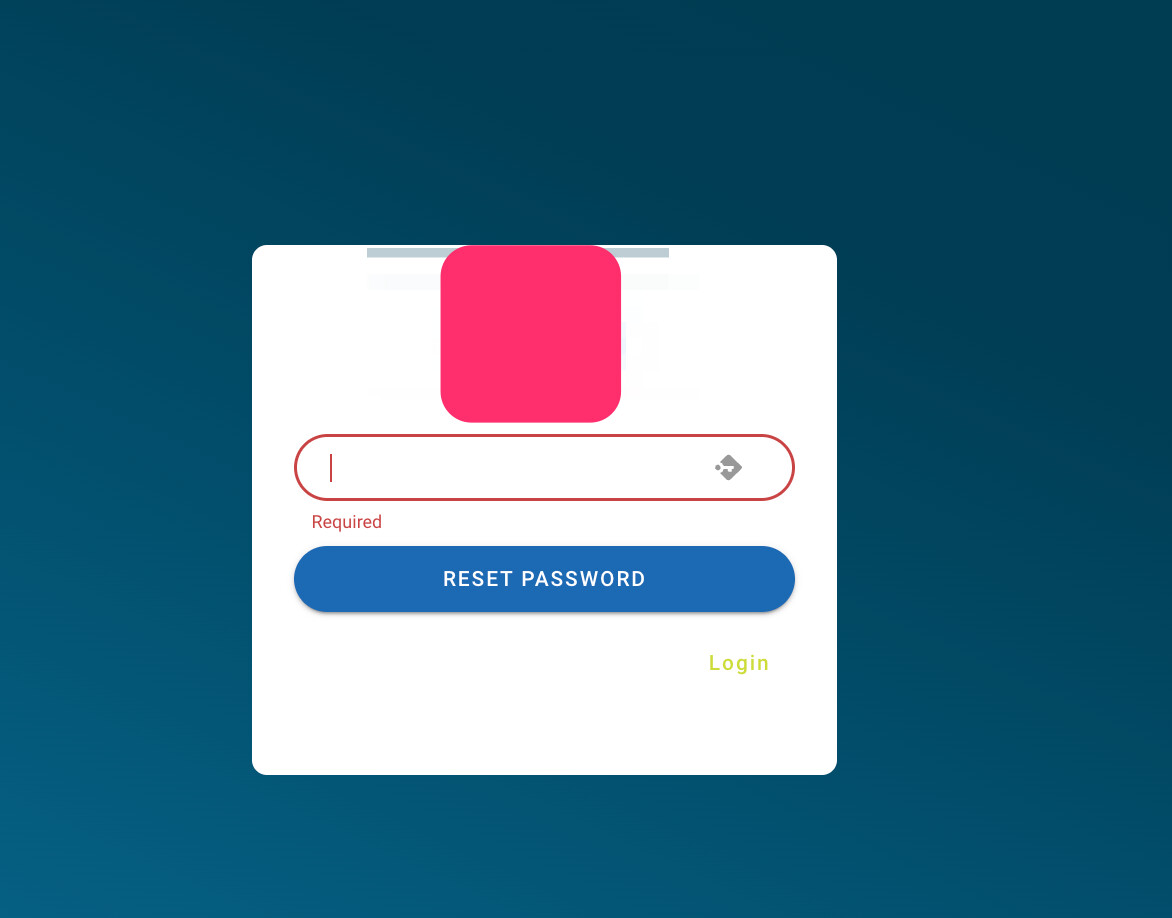
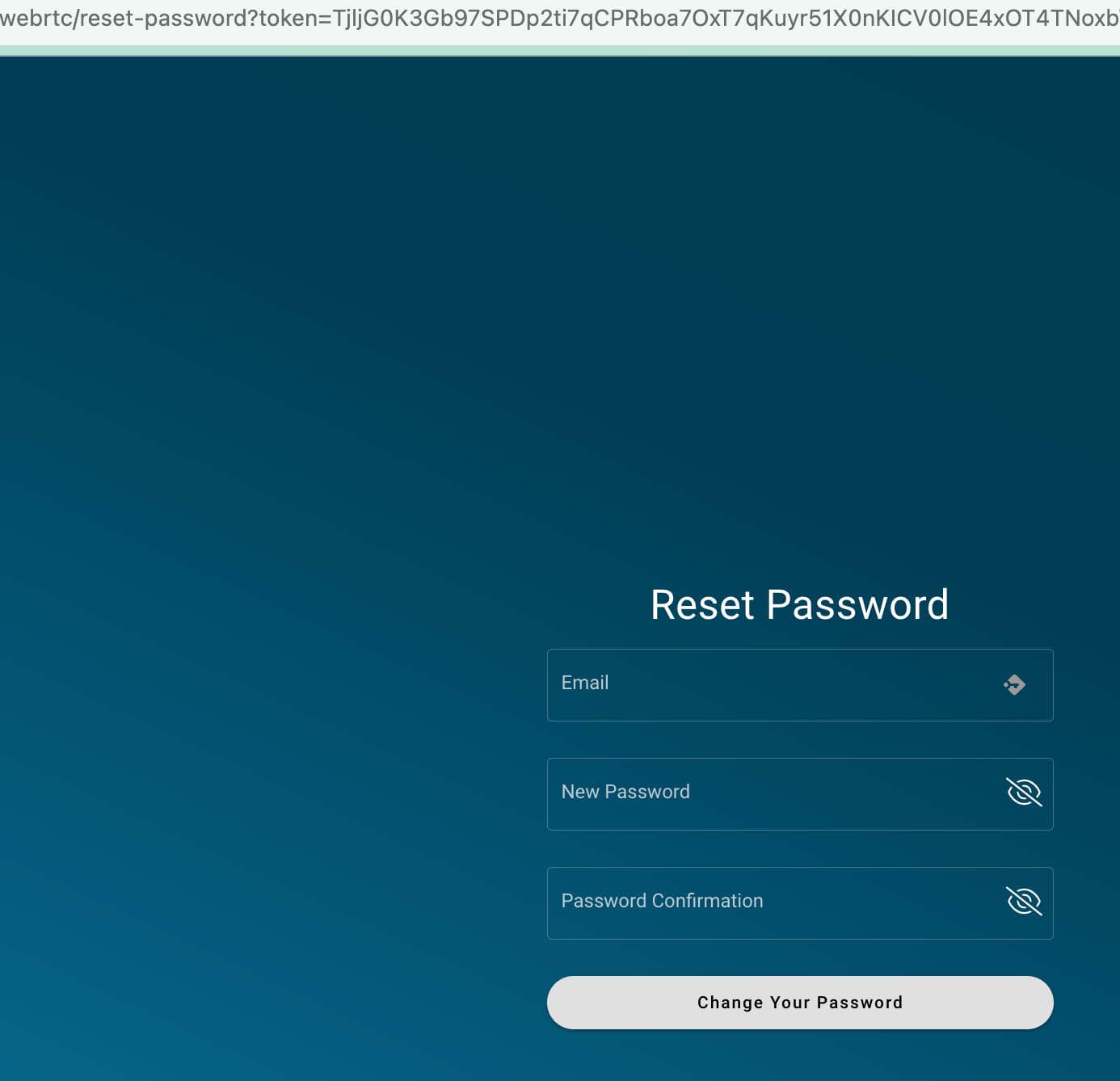
The reset password link is not working because the link doesn’t have port since we used custom one.
Also, is there a way to change some part of the email message to our own brand?
We really want to change those BOXES part of the email (see attached image)
The user can click unlimited times the Reset Password button and system will send a lot of reset password email. It can be considered as DOS attack?
Also, the token for reset password is not expiring. The user can use the reset password link sent in email even in other day or in the future.
Is there a way to add some security on that please, like having a 2 minutes gap before the user can click again the request reset password button. And the reset password token link should be expired in just a few minutes and can only be used once.
Hoping that you can consider my request as this is really needed as additional security since most users nowadays are working from home and the servers is open to public.
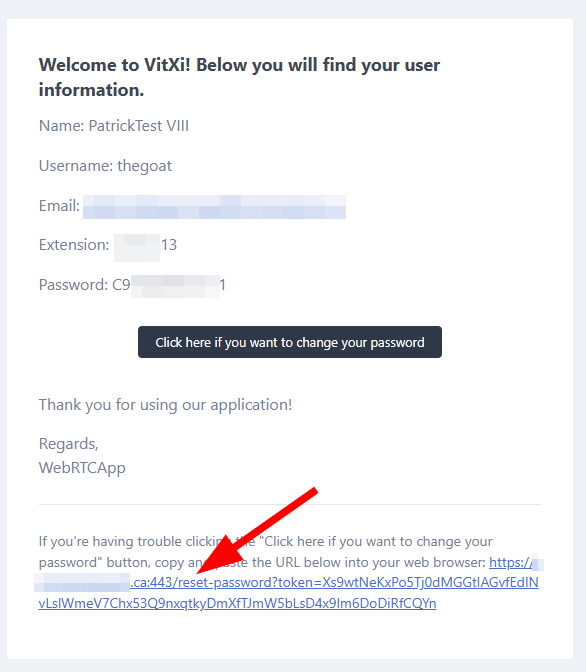
Hello, we have the opposite problem described by the OP, we noted that the “Account Creation” email sends the wrong password reset link.
In our case, the account creation email sends this link: pbx.fqdn.com/reset-password?token=Xs9wtNxxxxx
But when a user use the forgot / reset password on the web interface login page, the email sent has the proper link which is: pbx.fqdn.com/webrtc/reset-password?token=Xs9wtNxxxxx
Notice the /webrtc/ in the link.
The second link is the correct one. First link returns a 404.
I could not find a way to have this adjusted in the Vitxi Admin UI.
After verification, we are actually one version behind actually. 4.6.0-2 instead of 4.6.0-3.
We will update off hours and update this thread.
Thank you for your kind and prompt response.
In any case, we are happy to see all the recent improvement in the Vitxi app. We can at last drop the other platform we are still somewhat using, now that the mobile and WebRTC apps are good. Cheers for that.
Sounds great! please update this thread once the off-hours maintenance is complete.,
Thanks for the kind words as well. We’re thrilled to hear you’ve been enjoying the recent releases, and we really appreciate you taking the time to share your feedback.,
Cheers, and thanks for being part of the community!
Vital, we are now a year and a half since this was requested by this member and promised “in the next version”, which is now half a dozen versions ago. We need to be able to alter the VitXi Email Template please.
A new VitXi release is now available, including Advanced Auto Answer settings, Centralized Tags & Labels, Customizable Email Templates, improved contact resolution, and several fixes.