-
In a vitalpbx that has this release, we have a problem exporting Sonata Stats reports to Excel.
-
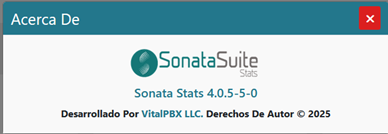
The Sonata Stats version it’s the following:
-
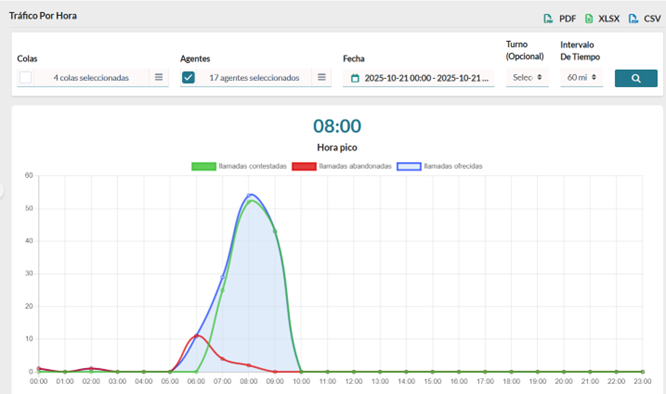
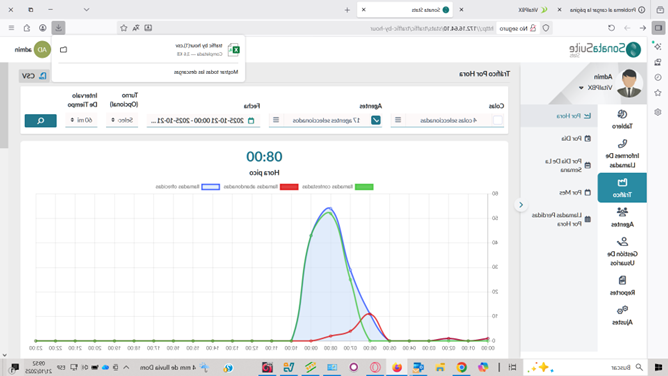
When generating a report, for example, Traffic by Hour, the tool displays the information on the screen.
-
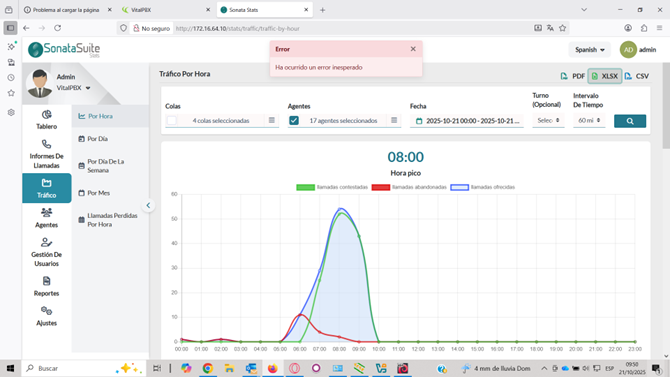
But when you want to export the data to Excel or PDF, the following error message appears:
-
This does not happen, for example, when exporting to a CSV file.
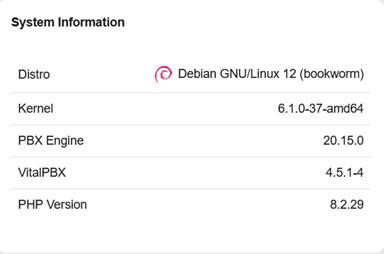
As far as we can see, this issue was previously resolved by upgrading the VitalPBX version, first from R4.5.1.2 to R4.5.1.3, and then approximately a month ago to R4.5.1.4. Please note that for security reasons, the client only enables Internet access to the VitalPBX server when an update or add-on installation is required.
I’m waiting for your comments because the client is upset and concerned. This is a system that has been running for two years without issues on version R3.2.3, and they’ve been working with the new version R4.5 for about four months.