# Sonata Stats Debian
**URL:** https://forums.vitalpbx.org/t/sonata-stats-debian/2134
**Category:** VitalPBX 4
**Created:** [December 20, 2022, 9:01pm UTC](https://forums.vitalpbx.org/t/sonata-stats-debian/2134 "2022-12-20T21:01:16Z")
**Posts on this page:** 7
**Page:** 1
### Author:  [@mloaiza](https://forums.vitalpbx.org/u/mloaiza)
#### Post date: [December 20, 2022, 9:01pm UTC](https://forums.vitalpbx.org/t/sonata-stats-debian/2134/1 "2022-12-20T21:01:17Z")
We have VitalPBX 4.0.0. R7 with the lastest version of SONATA STATS already installed and set up. After updating to the latest version Sonata Stats gave us the setup screen. During the update process I did see some message in which was mentioning the SONATA STATS, but could capture any screenshots. This would be in the logs, right? Which ones can I provide
Now since the SONATA Stats is giving the set up screen asking the for root password, even typing the correct one does not help, it says that failed to established connection. I like I mention we have SONATA Stats set up.
This happened to me in to different systems, one just updated only the SONATA Stats add-on and the second time just now updating 4.0.0 R7 to 4.0.0 R8
---
### Author:  [@miguel](https://forums.vitalpbx.org/u/miguel)
#### Post date: [December 20, 2022, 9:19pm UTC](https://forums.vitalpbx.org/t/sonata-stats-debian/2134/2 "2022-12-20T21:19:15Z")
Try removing the wizard file and re-running the wizard.
```auto
rm -f /var/lib/sonata/stats/wizard.conf
```
---
### Author:  [@mloaiza](https://forums.vitalpbx.org/u/mloaiza)
#### Post date: [December 20, 2022, 9:30pm UTC](https://forums.vitalpbx.org/t/sonata-stats-debian/2134/3 "2022-12-20T21:30:09Z")
> [@miguel](#):
>
> `rm -f /var/lib/sonata/stats/wizard.conf`
I remove the file you asked.
Now it pass the databases and pbx settings, but in the report settings it gave us a flag of “server error” and this is no listing on the timezones.
---
### Author:  [@miguel](https://forums.vitalpbx.org/u/miguel)
#### Post date: [December 21, 2022, 5:02pm UTC](https://forums.vitalpbx.org/t/sonata-stats-debian/2134/4 "2022-12-21T17:02:52Z")
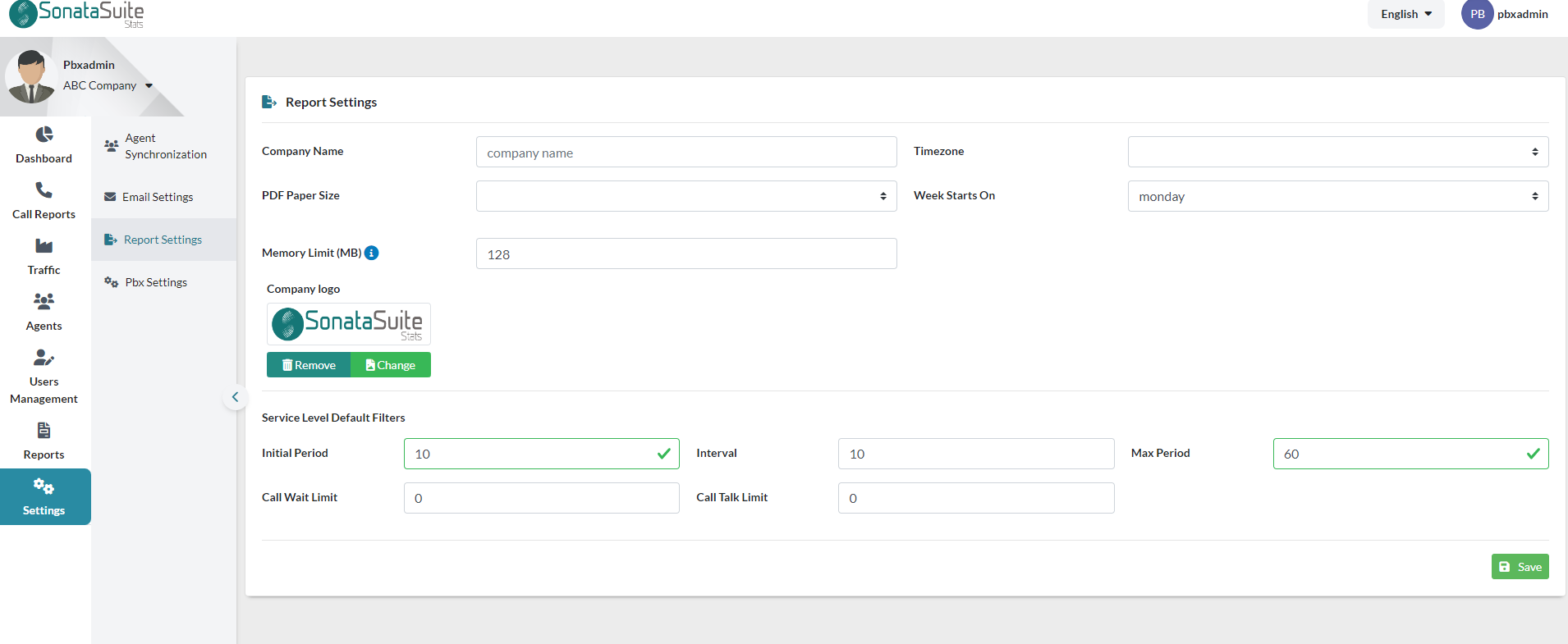
I’ve tried a brand-new installation using Multi-Tenancy.
---
### Author:  [@mloaiza](https://forums.vitalpbx.org/u/mloaiza)
#### Post date: [December 21, 2022, 5:35pm UTC](https://forums.vitalpbx.org/t/sonata-stats-debian/2134/5 "2022-12-21T17:35:18Z")
I have another system that I need to update R7 to R8 and it SONATA STATS installed and set up with users , permissions, agents sync, and see what happened.
For the moment the current system in my office after doing the command,
rm -f /var/lib/sonata/stats/wizard.conf
I click on the SONATA Stats option on vitalpbx
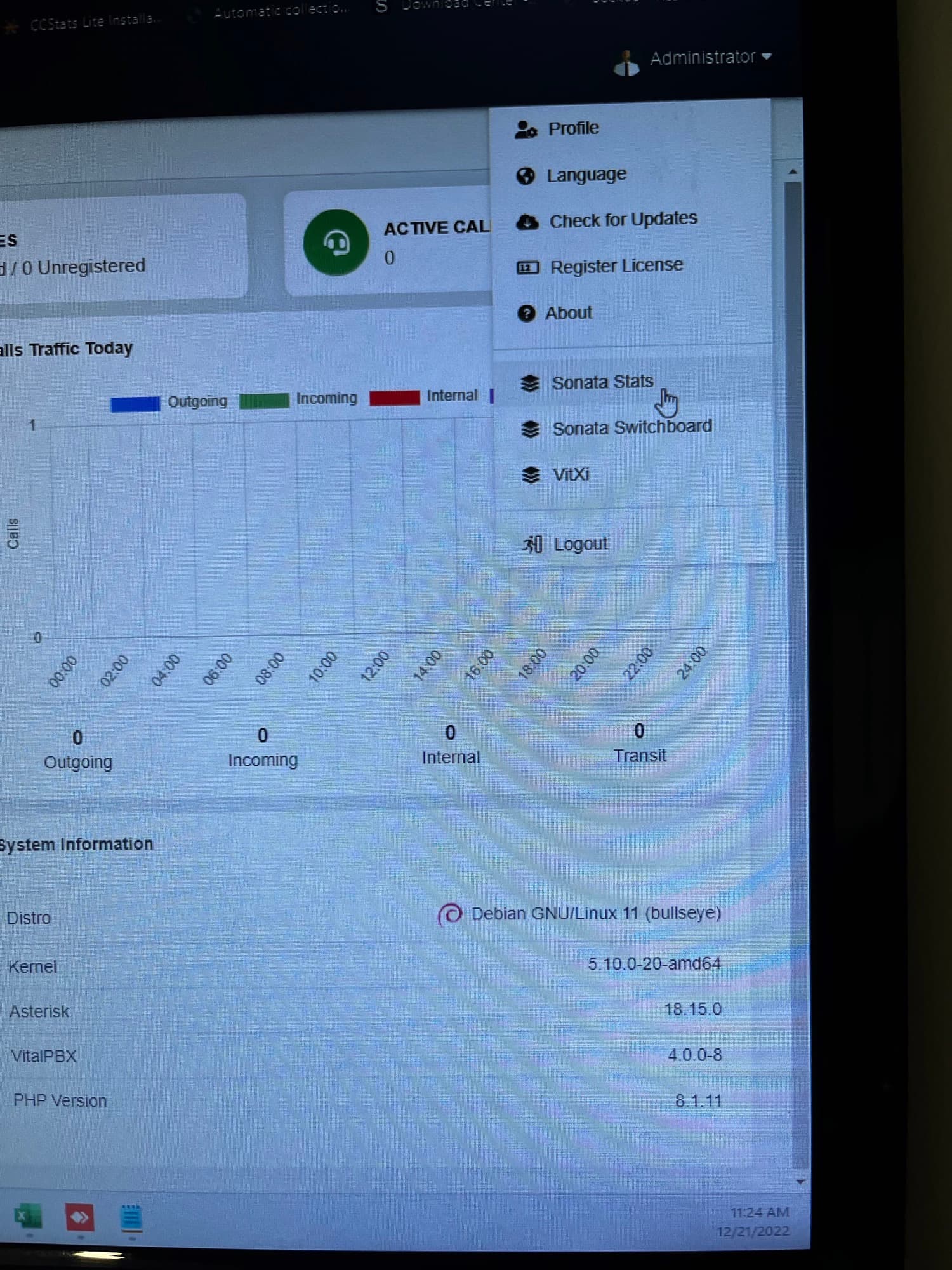
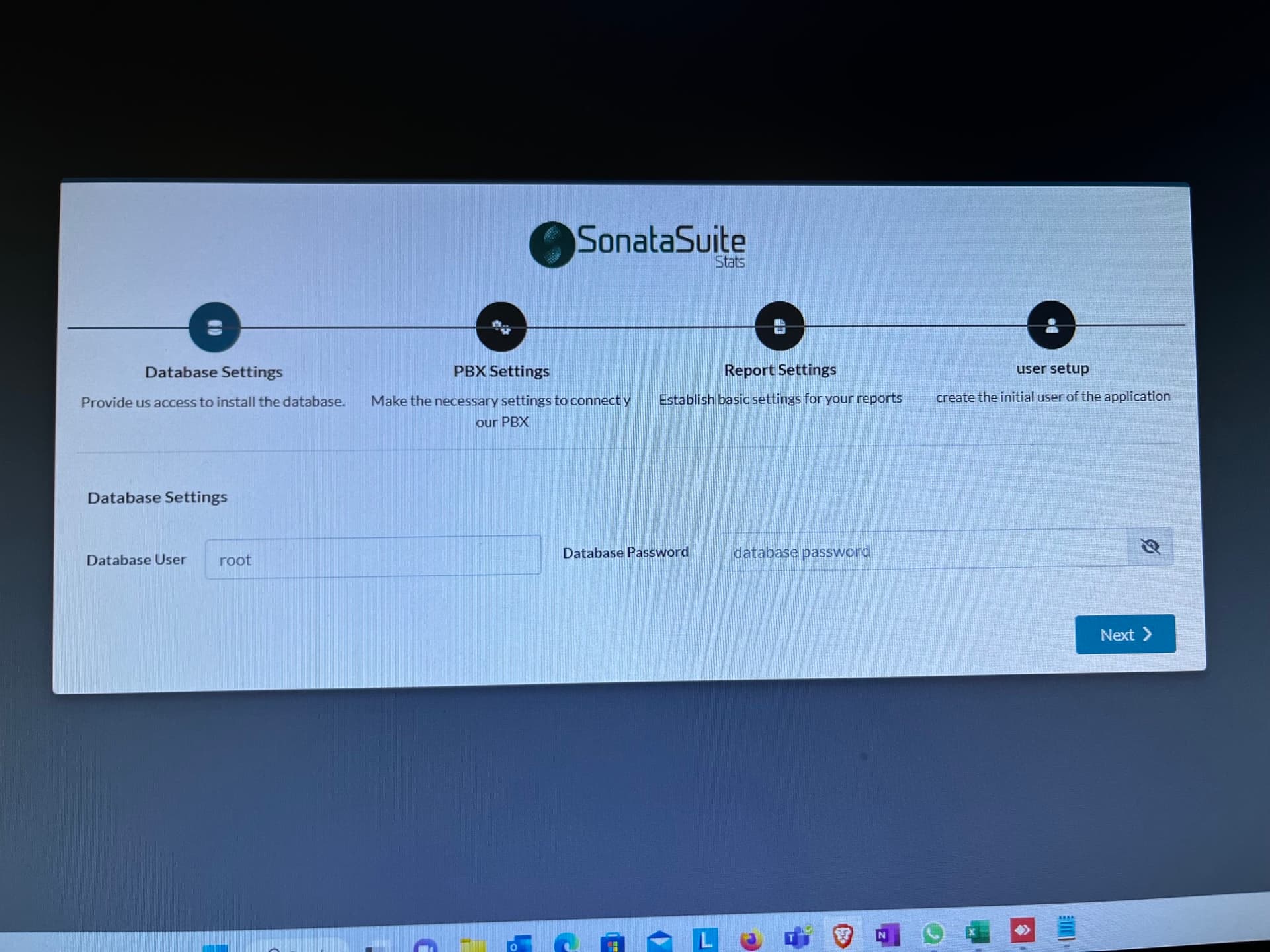
click next on the database settings
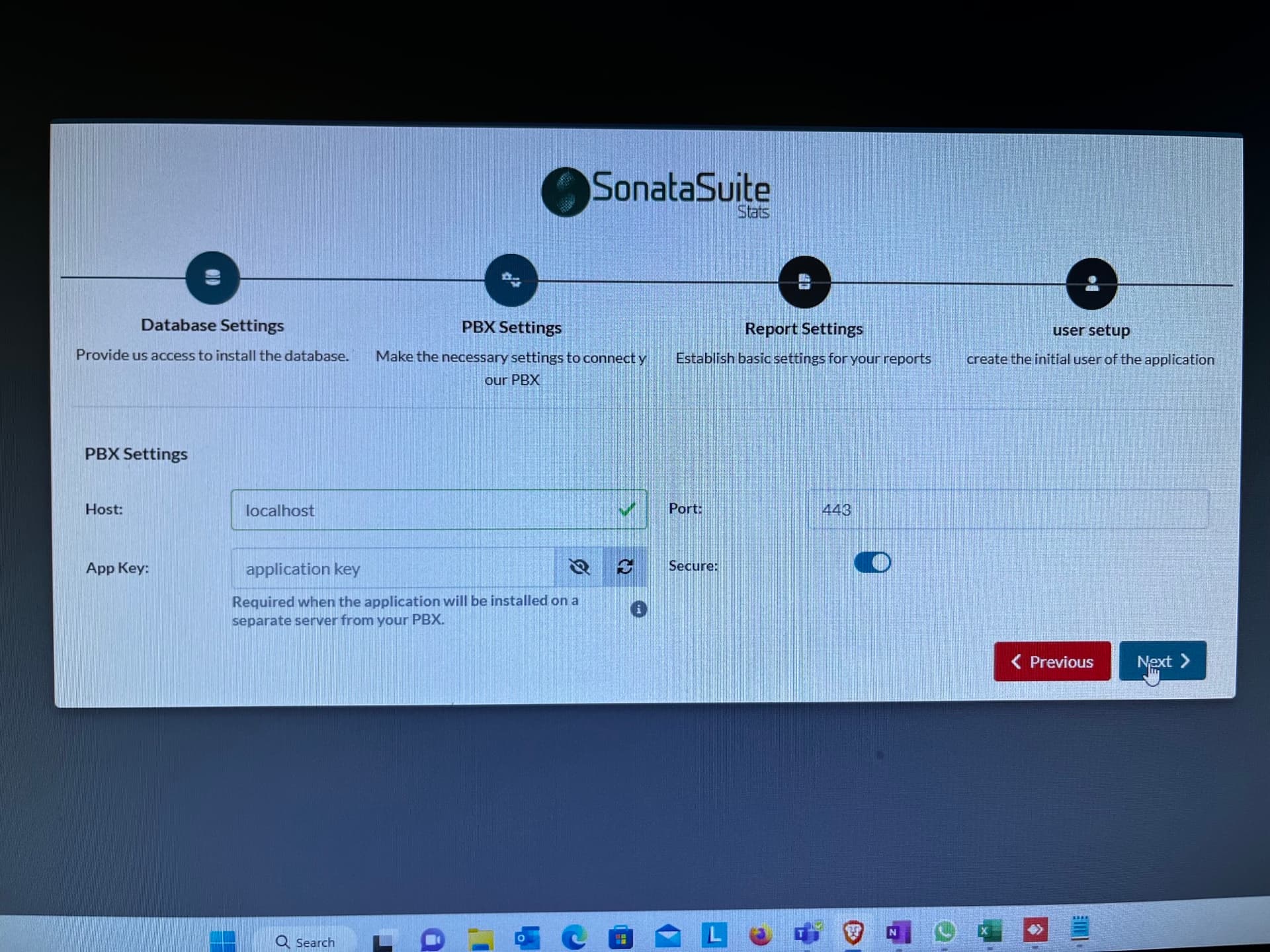
click next on the PBX Settings
and this is what happened after click next on the reporting settings
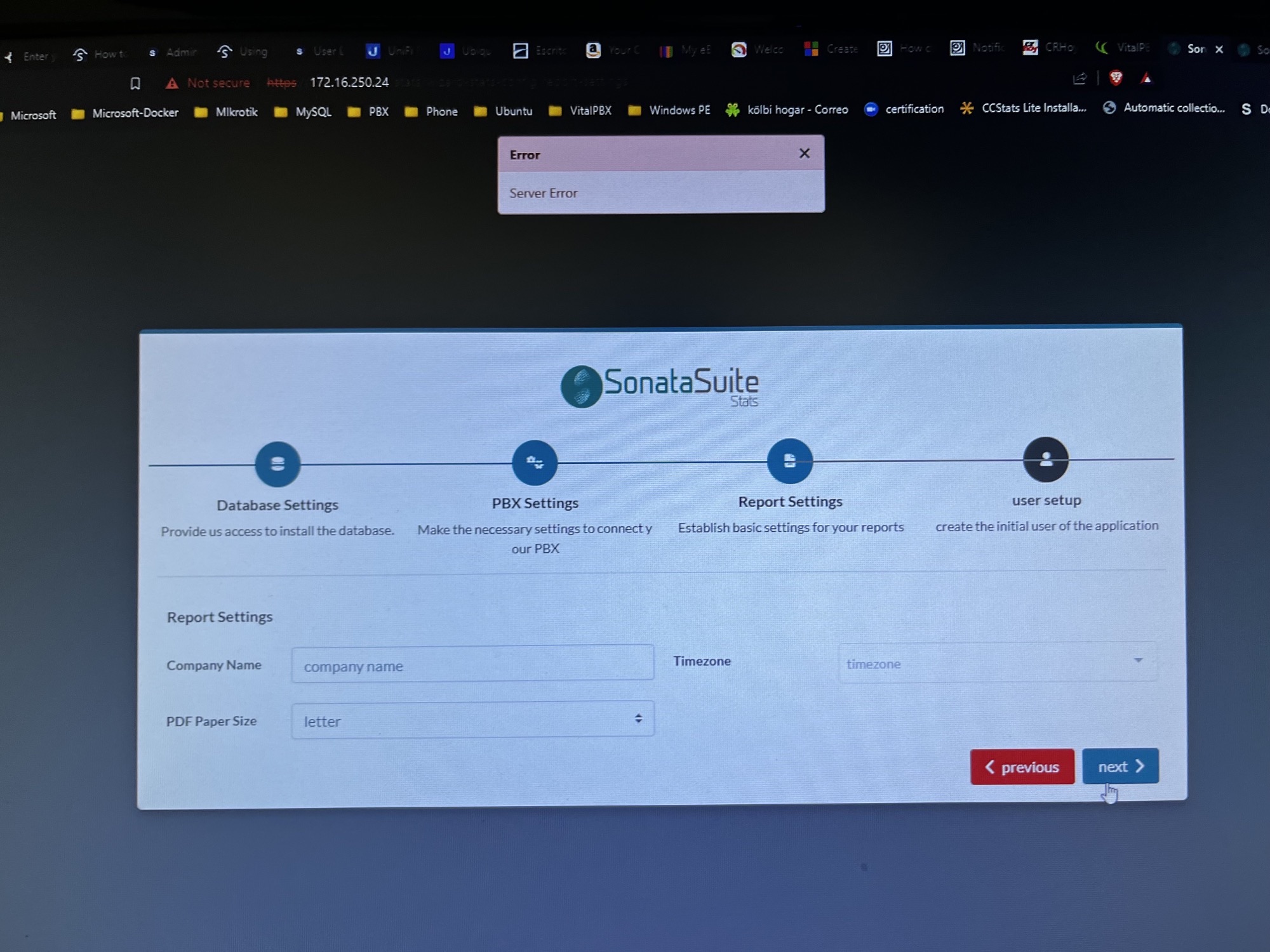
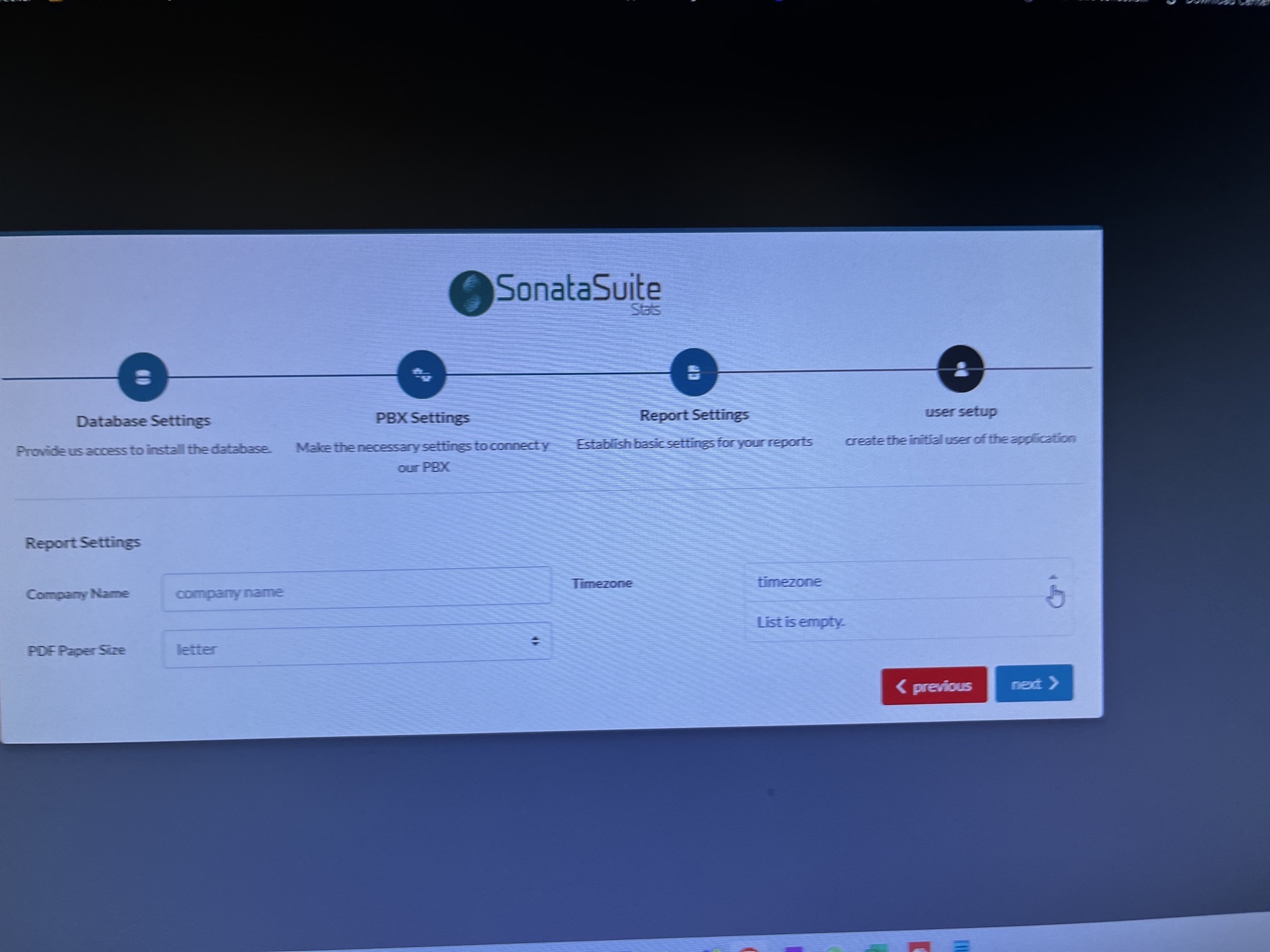
If you need to check the logs let me know which ones you need.
---
### Author:  [@miguel](https://forums.vitalpbx.org/u/miguel)
#### Post date: [December 21, 2022, 6:27pm UTC](https://forums.vitalpbx.org/t/sonata-stats-debian/2134/6 "2022-12-21T18:27:44Z")
Try doing a clean install of the Sonata Stats add-on
```auto
apt-get --purge remove sonata-stats -y
rm -f /var/lib/sonata/stats/wizard.conf
rm -rf /usr/share/queues-stats/
apt-get install -y sonata-stats
```
---
### Author:  [@mloaiza](https://forums.vitalpbx.org/u/mloaiza)
#### Post date: [December 21, 2022, 7:51pm UTC](https://forums.vitalpbx.org/t/sonata-stats-debian/2134/7 "2022-12-21T19:51:52Z")
If I do a clean install, we don’t have a problem. We are able to pbx teh setup screens and able to use the app.
But this issue happeneed when we update from sonata-stasts 4.0.0-1 to 4.0.0-2, and yesterday when we update from vitalpbx 4.0.0. R7 to 4.0.0 R8.
We would have to see next updaet to see if happen again.
Like I mentin before there is another system we need to update Iet you know if we get any messages during the update.